
You’ve got a budget, a mandate to “do something about leadership development,” and 47 browser tabs open comparing platforms that all claim to be AI-powered and personalized. Sound familiar?
The L&D software market has exploded. The problem isn’t finding options. It’s figuring out which category of tool you actually need. An LMS for compliance tracking? A coaching platform for behavior change? An authoring tool for custom content? Each solves a different problem, and picking the wrong category wastes months, not just money.
I’ve spent years watching L&D teams buy platforms that look great in demos and collect dust by quarter two. The pattern is almost always the same: they bought a content library when they needed coaching, or they bought an enterprise LXP when a simple LMS would’ve done the job.
This guide breaks down eight platforms across four categories so you can match the tool to the actual problem you’re solving.
What type of L&D software do you actually need?
Before comparing features, get clear on what you’re trying to solve. Most L&D software falls into one of four buckets:
| Category | Best For | Example Use Case |
|---|---|---|
| AI Coaching Platforms | Behavior change, leadership skills, ongoing development | New managers struggling with feedback conversations |
| Learning Management Systems (LMS) | Course delivery, compliance, tracking completions | Onboarding programs, mandatory training |
| Learning Experience Platforms (LXP) | Self-directed learning, content discovery | Employees exploring skills at their own pace |
| Authoring Tools | Creating custom courses, interactive content | Building company-specific training modules |
If you’re focused on leadership development, you’ll want coaching or an LXP with strong personalization. For compliance and onboarding, a solid LMS is your baseline. For teams creating their own content, authoring tools come first.
Now let’s look at the best in each category.
AI Coaching Platforms
1. Risely
Risely pairs every user with Merlin, an AI coach that adapts to their specific challenges, team dynamics, and skill gaps. Unlike platforms that dump content and hope something sticks, Risely works in the flow of daily work through Slack, Microsoft Teams, or the web app.
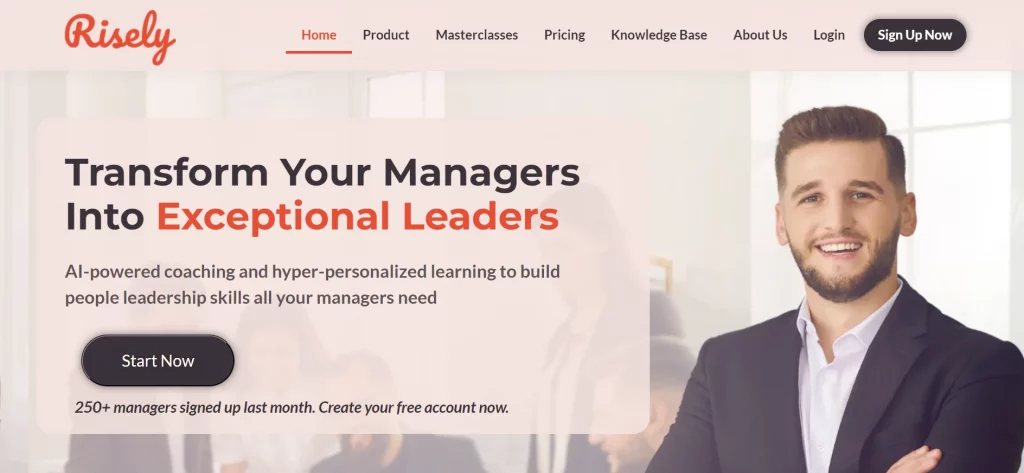
What stands out: Merlin doesn’t just answer questions. It coaches through scenarios, helps you rehearse tough conversations, and sends daily nudges that build skills over weeks, not in a single workshop. The platform covers 83 skills across both managers and individual contributors.
Key capabilities:
- AI coaching through chat and voice in 40 languages
- Self-assessments across 83 workplace skills with detailed reports
- Daily learning nudges with 73% engagement rates
- Team feedback and admin dashboards for L&D visibility
Where it fits best: Organizations that want ongoing coaching at scale, not just courses. Especially strong for new and mid-level managers who need practice, not lectures.
Pricing: Individual plan at $59/month. Team plan at $399/month for five users. Enterprise pricing available. 14-day free trial, cancel anytime.
2. BetterUp
BetterUp connects employees with human coaches for one-on-one sessions, with a focus on well-being, resilience, and leadership development.
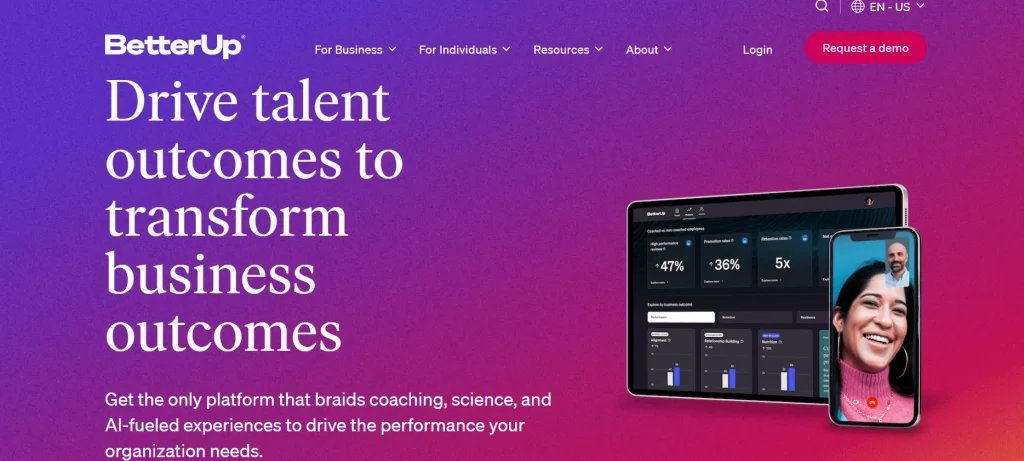
What stands out: The human coaching element creates depth that’s hard to replicate. Their well-being focus goes beyond just skills to address stress, purpose, and motivation.
Limitations: The per-session pricing model makes it expensive to scale across an organization. There’s limited structured learning, so it’s coaching without a curriculum. You won’t get compliance training or content creation here.
Pricing: Sessions start at $89 for 30 minutes. Packages available at $149 (two sessions) and $279 (four sessions).
Where it fits best: Senior leaders or high-potential employees where the investment per person is justified. Not practical for rolling out to 200 managers.
Learning Management Systems
3. TalentLMS
TalentLMS is the “get started this afternoon” option. Simple setup, clean interface, and enough features for most small to mid-size training needs.
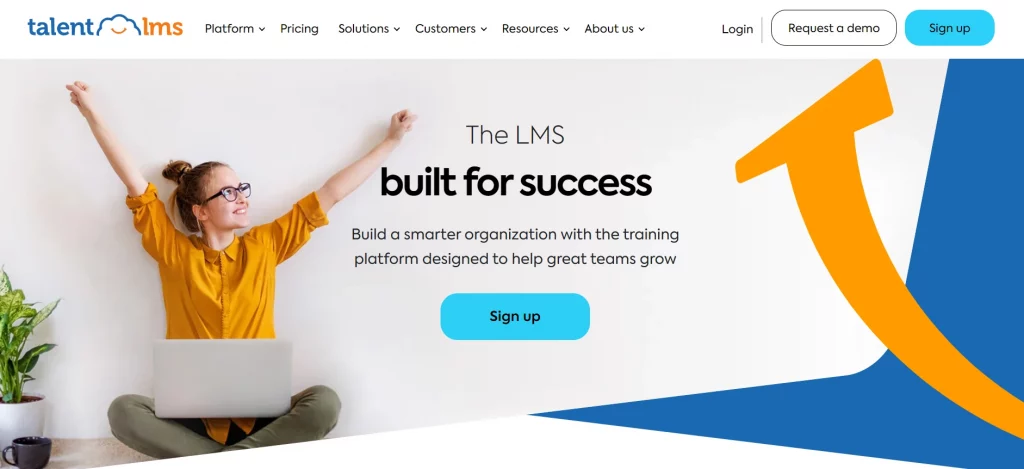
What stands out: You can have a course live within hours, not weeks. Integrates with tools like Gmail and Salesforce. The built-in TalentLibrary offers ready-made courses if you need content fast.
Limitations: Advanced features are locked behind higher tiers. Customization has a ceiling. If your training needs are complex or highly specialized, you’ll outgrow it.
Pricing: Core at $69/month, Grow at $109/month, Pro at $139/month (all for 1 to 20 users). Enterprise pricing available for larger teams.
Where it fits best: Small to medium teams that need an LMS up and running quickly without a dedicated admin.
4. Absorb LMS
Absorb is built for mid-size to large organizations that need scalable training across employees, customers, and partners.
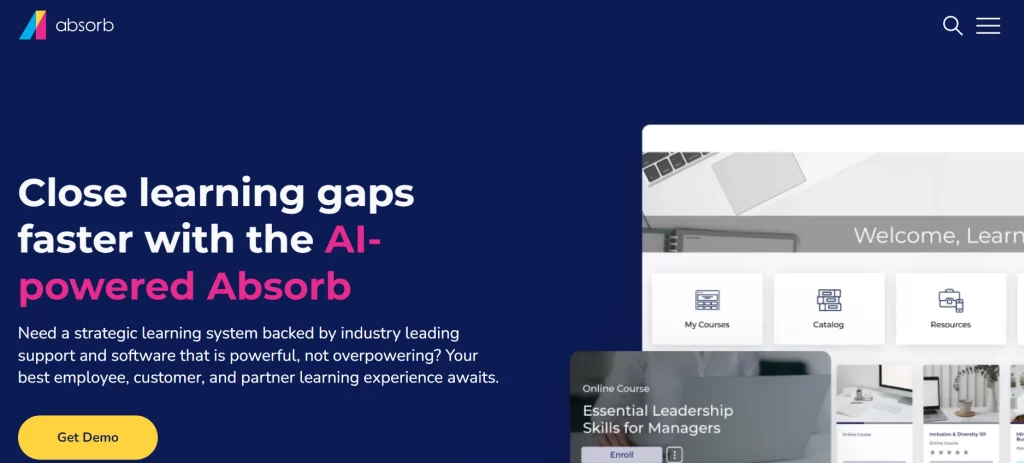
What stands out: Generative AI speeds up course creation. The learner interface is clean and multimedia-friendly. Good security standards for regulated industries.
Limitations: Reporting could be more flexible for complex data analysis. Customization options are more limited than enterprise competitors. Pricing is opaque.
Pricing: Custom, based on organization size and needs.
Where it fits best: Companies running compliance training, onboarding, and multi-audience programs who need one platform for everything.
Learning Experience Platforms
5. Docebo
Docebo combines LMS structure with LXP discovery, using AI to automate enrollment, content tagging, and personalized recommendations.
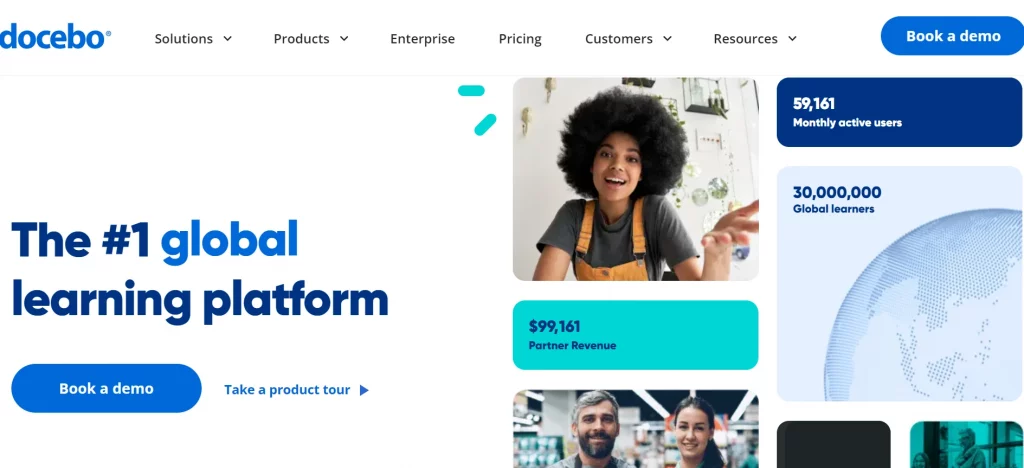
What stands out: The AI capabilities go beyond buzzwords. Automated content categorization, smart enrollment, and generative AI for content creation actually save time. Strong integration ecosystem with Salesforce, Microsoft Teams, and more.
Limitations: The system can feel overwhelming for smaller teams. Pricing isn’t transparent, and the complexity may be overkill if you just need basic course delivery.
Pricing: Custom, based on user count and organizational needs.
Where it fits best: Medium to large organizations scaling L&D across regions, audiences, and content types.
6. Valamis
Valamis offers both LMS and LXP functionality with deep personalization, a Learning Record Store for tracking, and strong analytics.
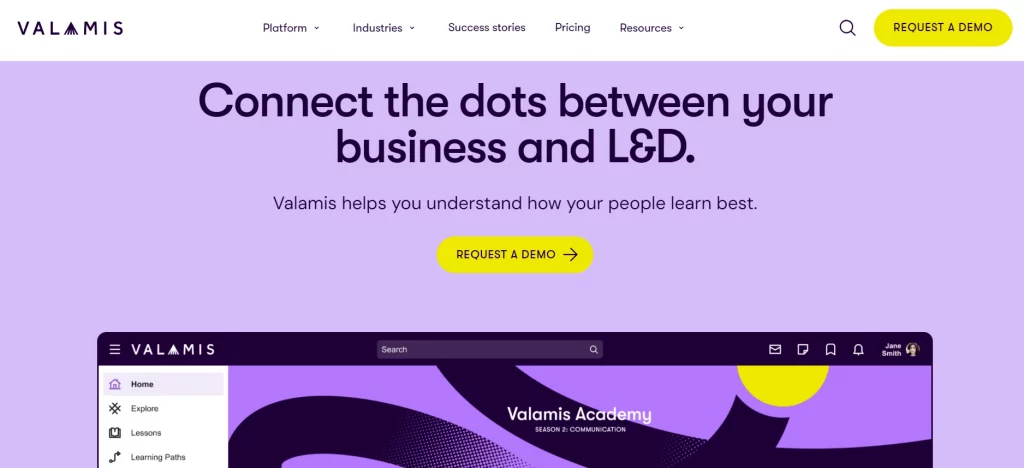
What stands out: Advanced data tracking through the Learning Record Store goes beyond standard LMS metrics. Integrates with 250+ tools. Their consultancy services help with implementation strategy, not just software setup.
Limitations: The interface has a learning curve. Starting at 17,000 euros per year, it’s priced for enterprises with serious budgets.
Pricing: Starts at 17,000 euros/year for large enterprises.
Where it fits best: Large organizations that need granular learning analytics, advanced personalization, and are willing to invest in a strategic learning platform.
Content Authoring Tools
7. iSpring Solutions
iSpring is purpose-built for creating eLearning content, with tight PowerPoint integration that makes it accessible for teams already using Microsoft tools.
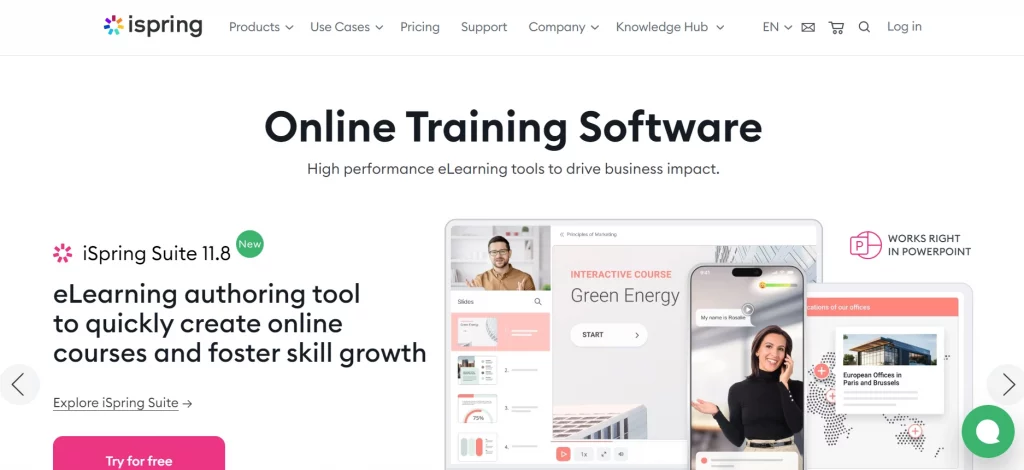
What stands out: If your team creates training in PowerPoint (and let’s be honest, most do), iSpring converts those slides into interactive, SCORM-compliant courses. 24/7 technical support and a solid content library.
Limitations: The LMS component is basic compared to dedicated LMS platforms. Pricing scales per author, which gets expensive for larger content teams.
Pricing: Suite at $770/year, Suite Max at $970/year, Suite Premium at $1,970/year (all per author).
Where it fits best: L&D teams focused on creating custom eLearning content who want a familiar authoring environment.
8. CYPHER Learning
CYPHER Learning provides an all-in-one platform spanning L&D, HR, and education with AI-powered course creation and multi-language support.
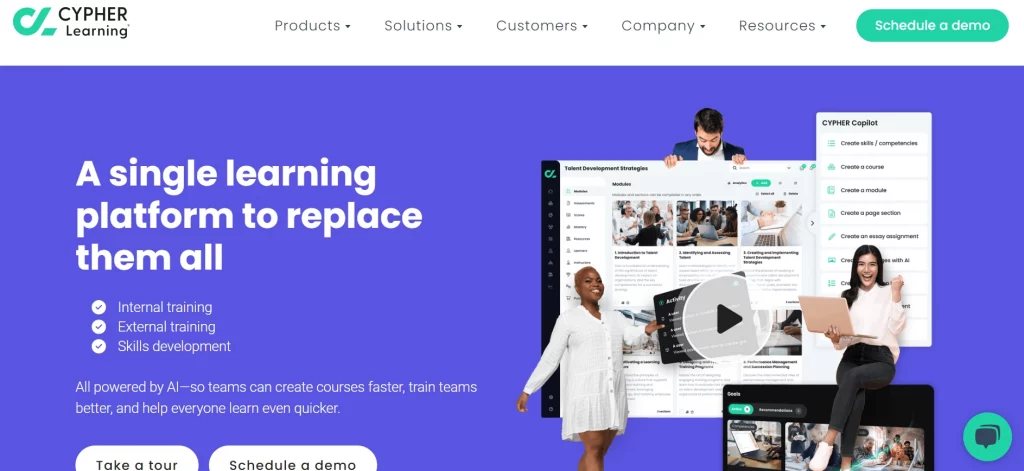
What stands out: AI tools personalize learning paths and speed up course creation. Supports 50+ languages out of the box. The platform handles corporate training, partner education, and academic use cases.
Limitations: The comprehensive feature set can be overwhelming if you only need basic LMS functionality. Pricing isn’t published, making it hard to evaluate without a sales call.
Pricing: Custom, based on organizational needs.
Where it fits best: Organizations that need one platform for multiple training audiences (employees, customers, partners) with strong internationalization.
How do these platforms compare side by side?
| Platform | Category | Starting Price | Best For | AI Features |
|---|---|---|---|---|
| Risely | AI Coaching | $59/user/month | Ongoing leadership coaching at scale | AI coach, personalized nudges, skill assessments |
| BetterUp | Human Coaching | $89/session | Senior leader development | Analytics and matching |
| TalentLMS | LMS | $69/month | Quick-start training for SMBs | Basic automation |
| Absorb LMS | LMS | Custom | Enterprise compliance and onboarding | Generative AI for courses |
| Docebo | LXP + LMS | Custom | Scaling L&D across regions | Content automation, smart enrollment |
| Valamis | LXP + LMS | 17,000 euros/year | Enterprise analytics and personalization | Data-driven personalization |
| iSpring | Authoring | $770/year/author | PowerPoint-based course creation | Content library |
| CYPHER | All-in-one | Custom | Multi-audience, multi-language training | AI course creation |
How to choose the right platform for your team
Picking L&D software isn’t a feature comparison exercise. It’s a problem-definition exercise. Start with these questions:
What’s the primary skill gap? If it’s leadership behavior (giving feedback, running 1-on-1s, coaching direct reports), you need a coaching platform that provides ongoing practice. A course library won’t change behavior.
How many people need access? Per-user coaching platforms make sense for targeted populations. LMS platforms with flat pricing work better for organization-wide rollouts.
Do you create content or consume it? If your team builds custom training, authoring tools and flexible LMS platforms matter. If you’re buying off-the-shelf, focus on content library quality.
What’s your timeline? TalentLMS can be live in a day. Valamis takes months to implement properly. Match complexity to urgency.
One coaching observation I keep coming back to: the teams that get the most from L&D software are the ones who start with a specific use case (like “our 30 new managers need help with their first performance reviews”) instead of trying to build a comprehensive learning ecosystem from day one. Start narrow, prove impact, then expand.
The best training and development strategy usually isn’t one platform. It’s the right combination: an LMS for structure, a coaching tool for behavior change, and authoring capability for custom needs. The trick is knowing which one to invest in first based on where you’ll see the fastest return.